59 Languages, Offline
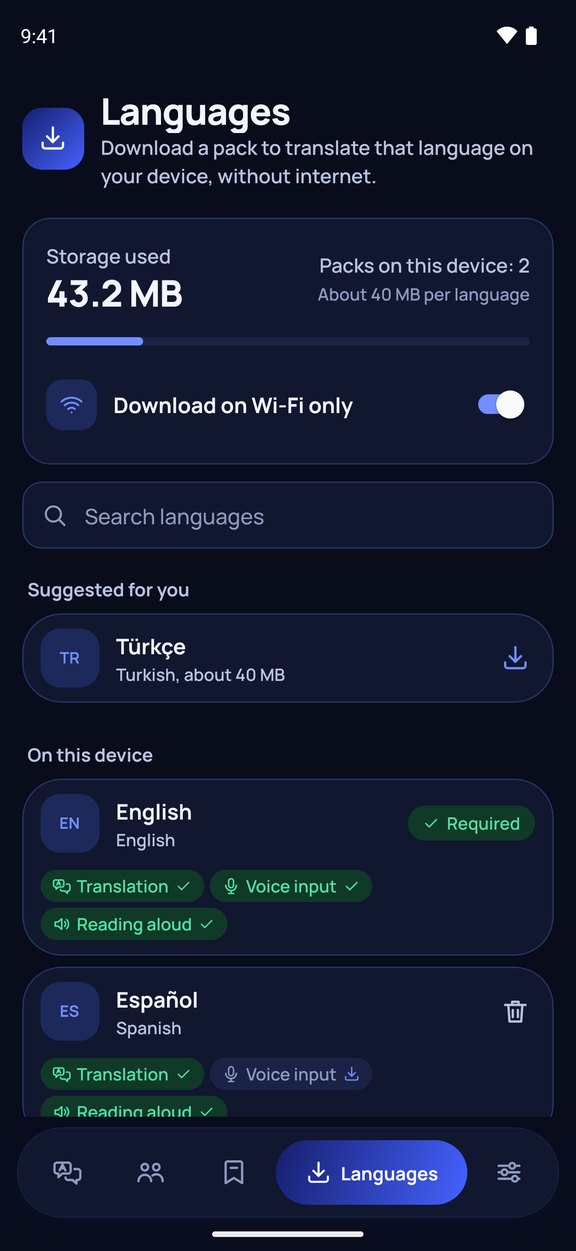
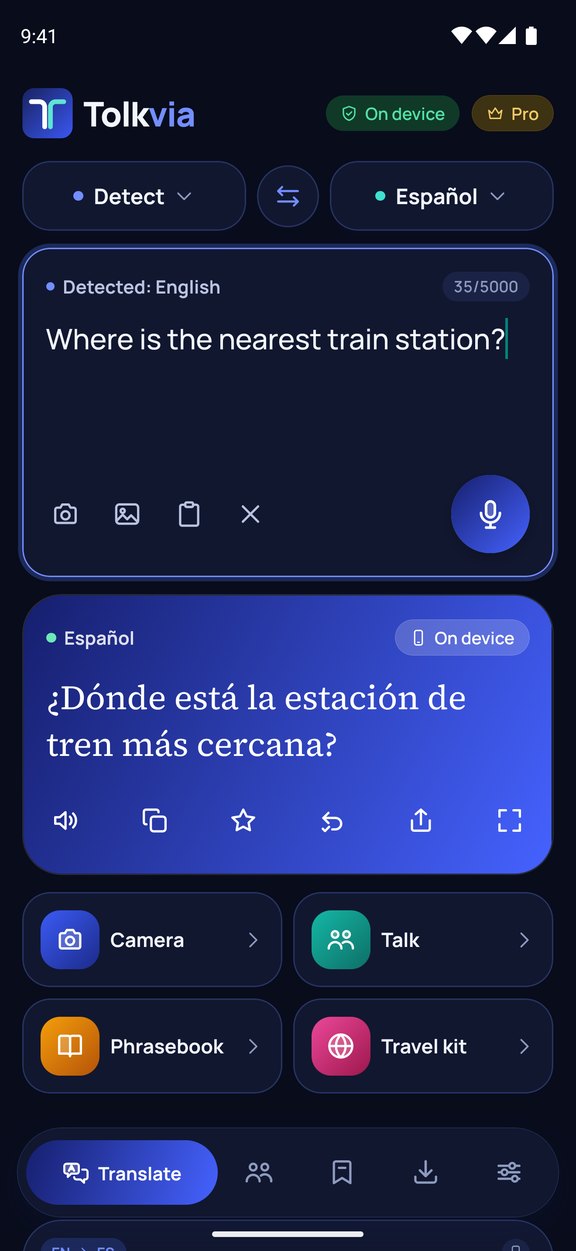
Download a language pack once and translate text and speech right on your phone with no connection. Offline translations never leave your device.

 Coming soon to the App Store
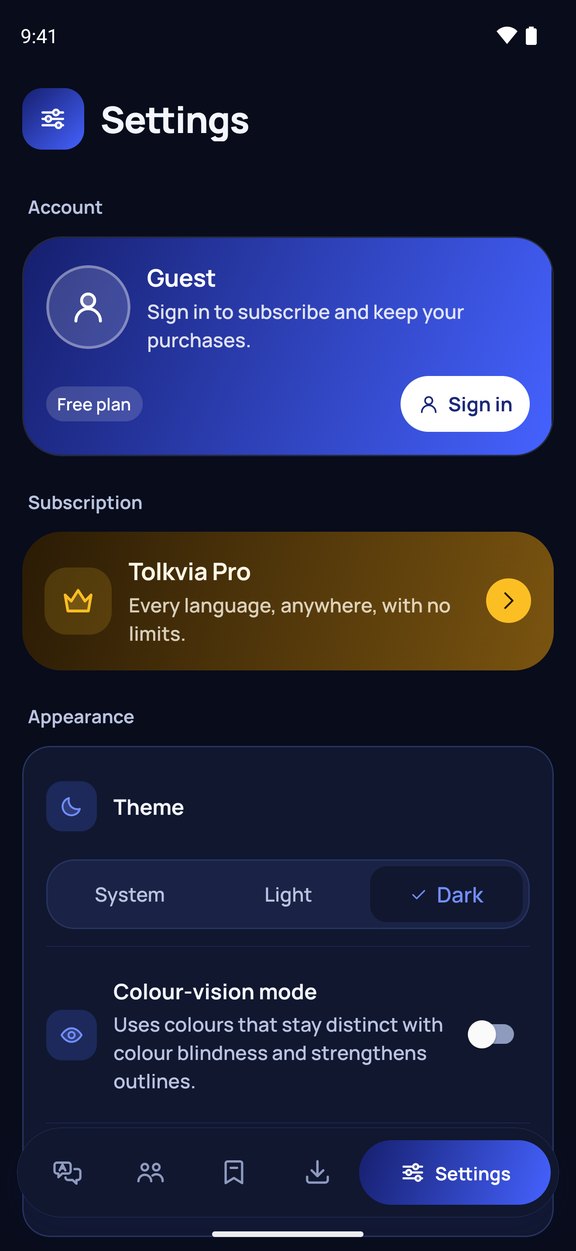
Tolkvia translates what you type, say or photograph between 59 languages, and keeps working when you are offline. Download a language pack once (about 40 MB) and translation runs directly on your phone — nothing you translate offline ever leaves the device. You can start without an account: sign-in with Google or Apple is only needed for a subscription.
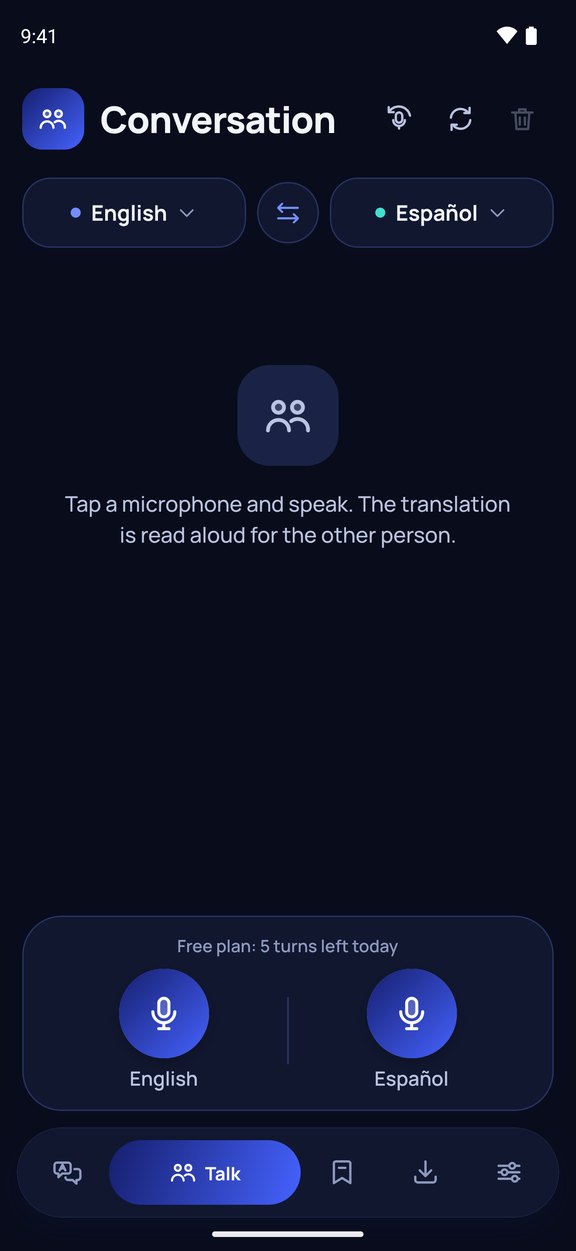
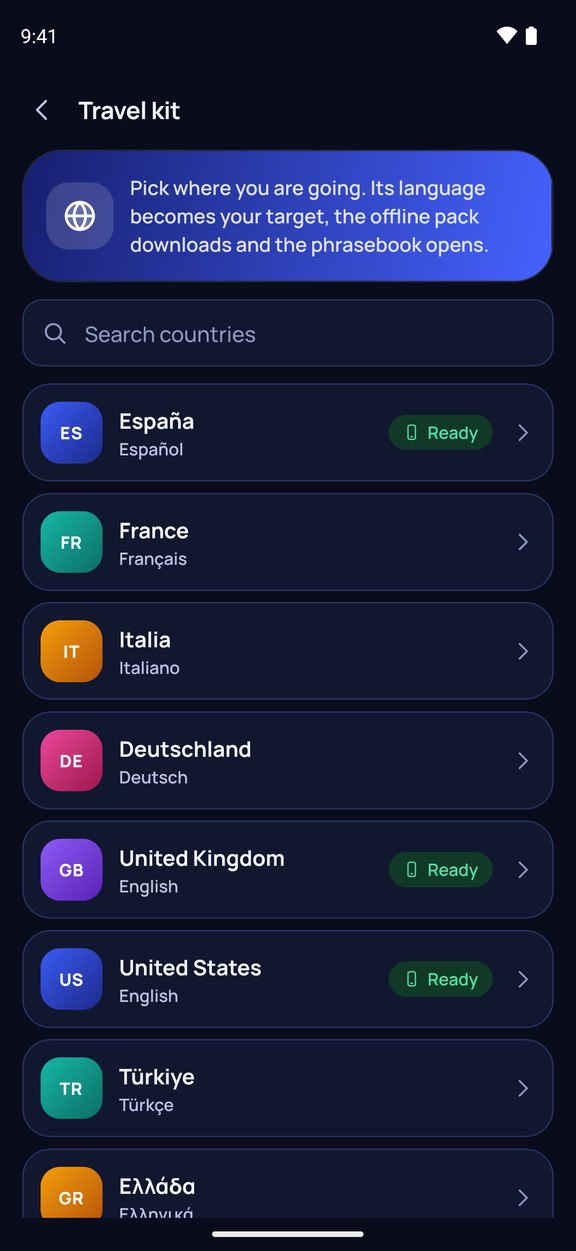
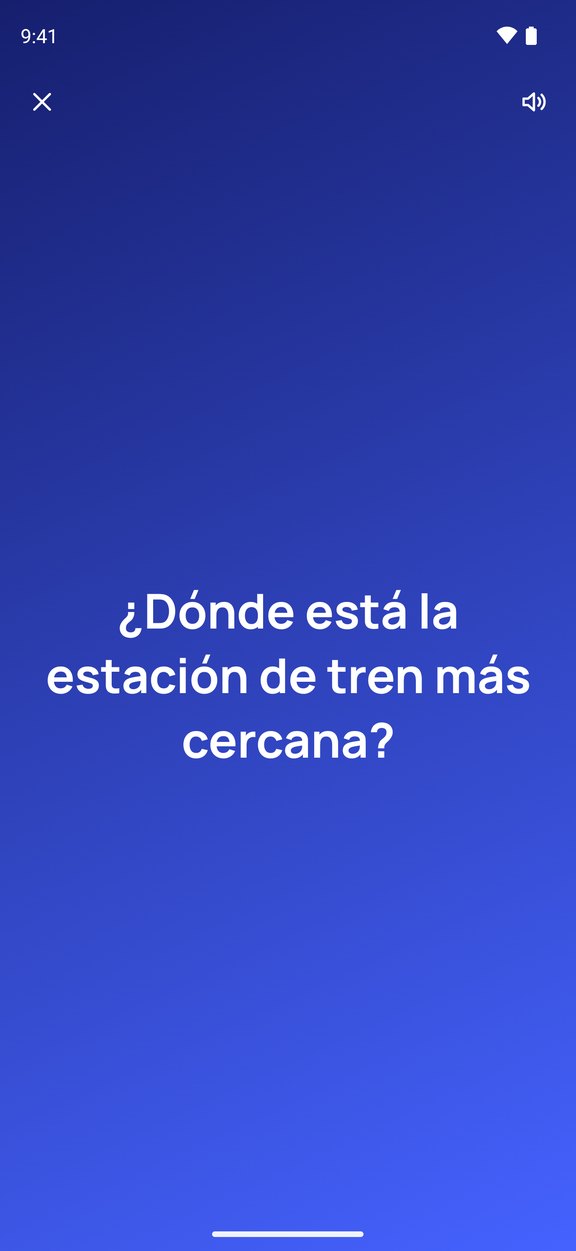
It is built for travel. Conversation mode lets two people talk face to face, each in their own language, and hands-free mode passes the microphone back and forth for you. Point the camera at a menu, sign or document and text in Latin letters, Chinese, Japanese and Korean is read on the device. A travel kit prepares a destination’s language in one tap for 26 popular countries, a full-screen mode shows the translation to the person in front of you, and a meaning check translates the result back so you know it says what you meant. The free plan includes 25 translations a day, one offline language, three photo scans and five conversation turns; Tolkvia Pro removes the limits and adds every offline language and premium online translation. No ads, no tracking.
Download a language pack once and translate text and speech right on your phone with no connection. Offline translations never leave your device.
Two people talk, each in their own language, and hear the translation read aloud. Hands-free mode switches the microphone between you automatically.
Point the camera at a menu, sign or document, or pick a photo. Latin, Chinese, Japanese and Korean text is recognised on the device.
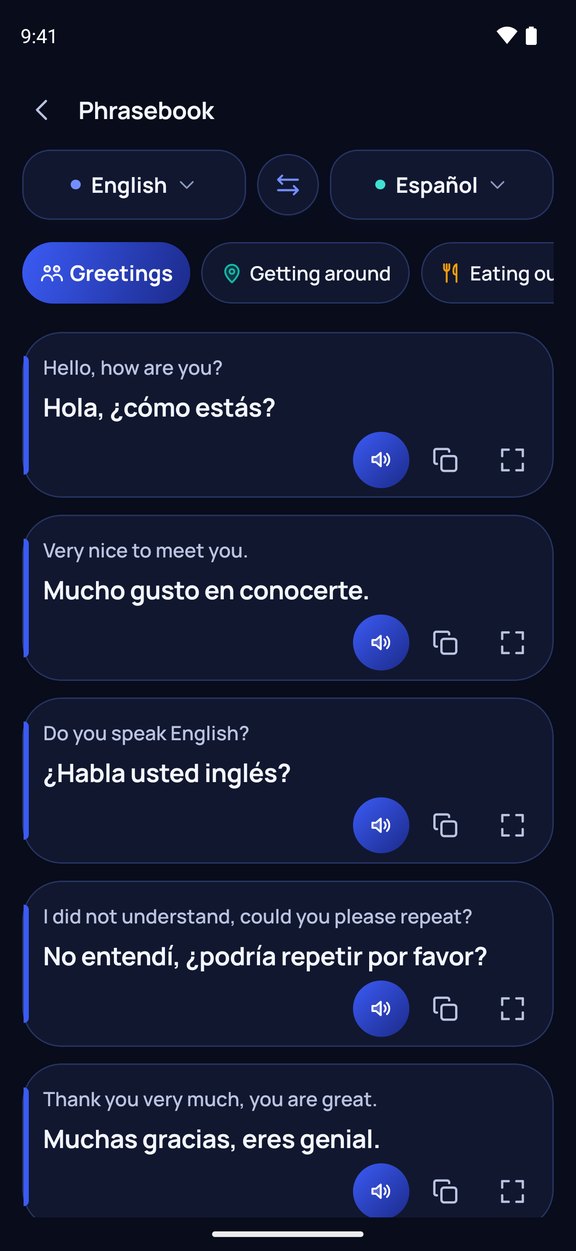
Choose one of 26 destinations and get its language ready in one tap, with ready-made phrases for greetings, directions, dining, hotels, health and emergencies.
A full-screen mode to show a translation, Latin-letter reading for scripts you cannot read, and a meaning check that translates the result back.
On-device-only mode switches off every online service, private mode keeps translations out of your history, and there are no ads and no tracking.
 العربية
 Deutsch
 English
 Español
 Français
 Italiano
 日本語
日本語 한국어
한국어 Português
 Русский
 Türkçe
 中文
中文 AIPRO — AI Football Predictor
 Undertow — Crypto Flows
 ST Matrix — Spor Toto Coupon Assistant
 Halekin: Family Check-in
 Minilo — Learn Words & Play
 Gastro Globe — World Recipes
 SınavMatik LGS — Exam Prep & Practice
 SınavMatik YKS — University Entrance Prep
 KârMetre — Marketplace Profit Calculator
 Accustom — Daily Habit Coach